EMS Form and Checklist Builder Software
Empower EMS agencies with Digital Documentation
Paper forms and basic PDFs create unnecessary friction for EMS agencies. Misplaced documents, missing signatures, and manual recordkeeping make it difficult to maintain audit trails for compliance documentation.
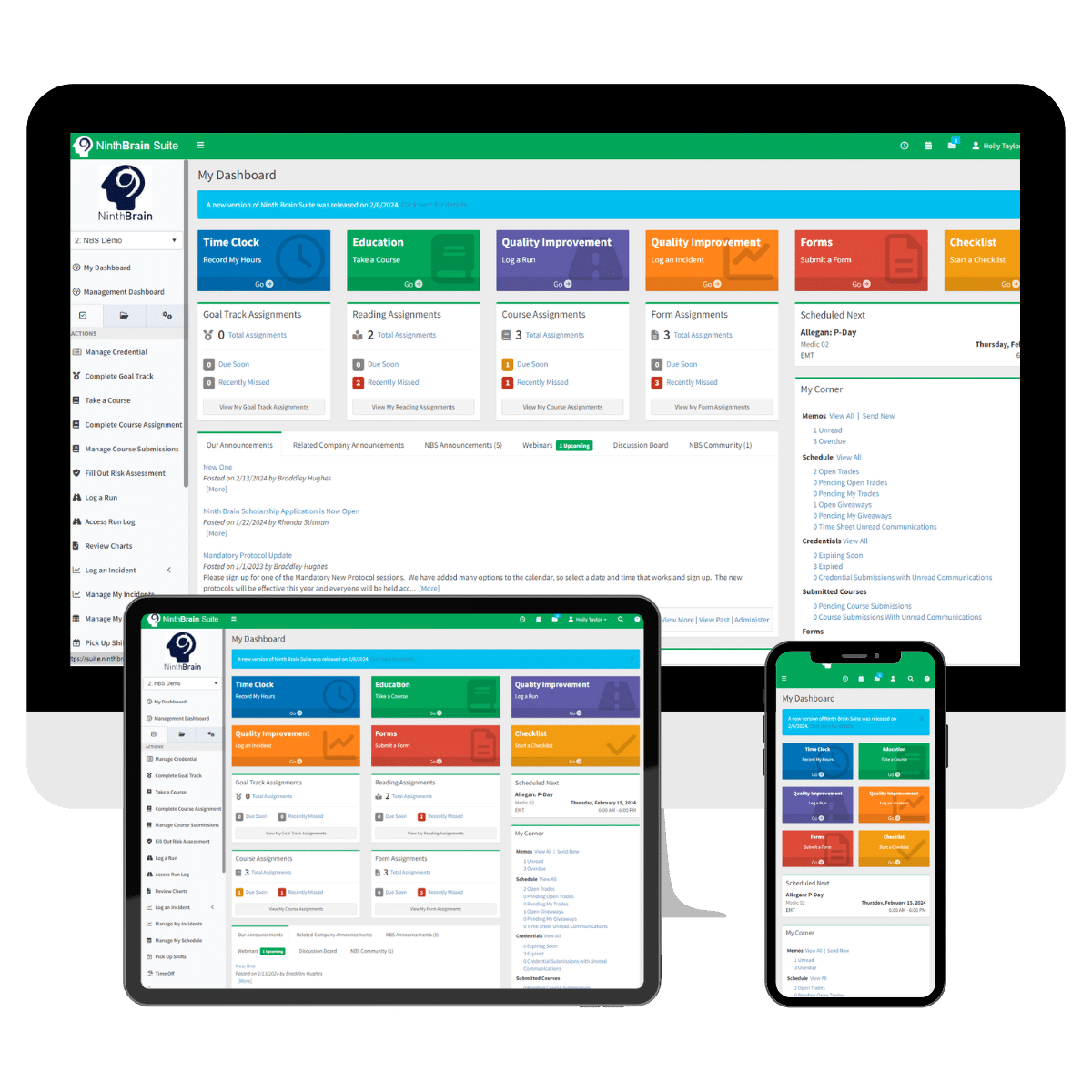
Ninth Brain’s cloud-based EMS form and checklist builder replace clipboards with digital documentation tools. Design and deploy forms for skills checks, internal or public feedback surveys, injury reports, vehicle/equipment inspections, controlled substance logs, etc. Forms and checklists are mobile friendly and connect with the broader Ninth Brain EMS software ecosystem for centralized oversight.
Key benefits include:
- Choose from 100+ templates or Create from Scratch
- Incorporate role-based security, workflows, and conditional logic
- Manage form assignments and stay informed with automated email alerts
- Over 30 different form field types, including digital signature and image uploads
- Secured public forms for external users without login requirements
- Real-Time and Scheduled reports for compliance audits
Built specifically for public safety operations, Ninth Brain helps EMS agencies standardize inspections, reduce administrative burden, improve compliance visibility, and focus more resources on emergency response.
Request a personalized demo today.
Form + Checklist Builder

Frequently Asked Questions
Form + Checklist Builder
No. Forms can be created using an intuitive, no-code interface. You can start with a template or build a custom form from scratch.
Yes. Conditional logic enables dynamic form fields based on responses, and workflows can trigger email notifications or reassign forms automatically.
Yes. Forms are mobile-friendly and can be completed on smartphones or tablets with an internet connection.
Yes. You can create secure public links to share forms with external users—no login required.
Yes. Anonymous submissions are available when using the appropriate form type.