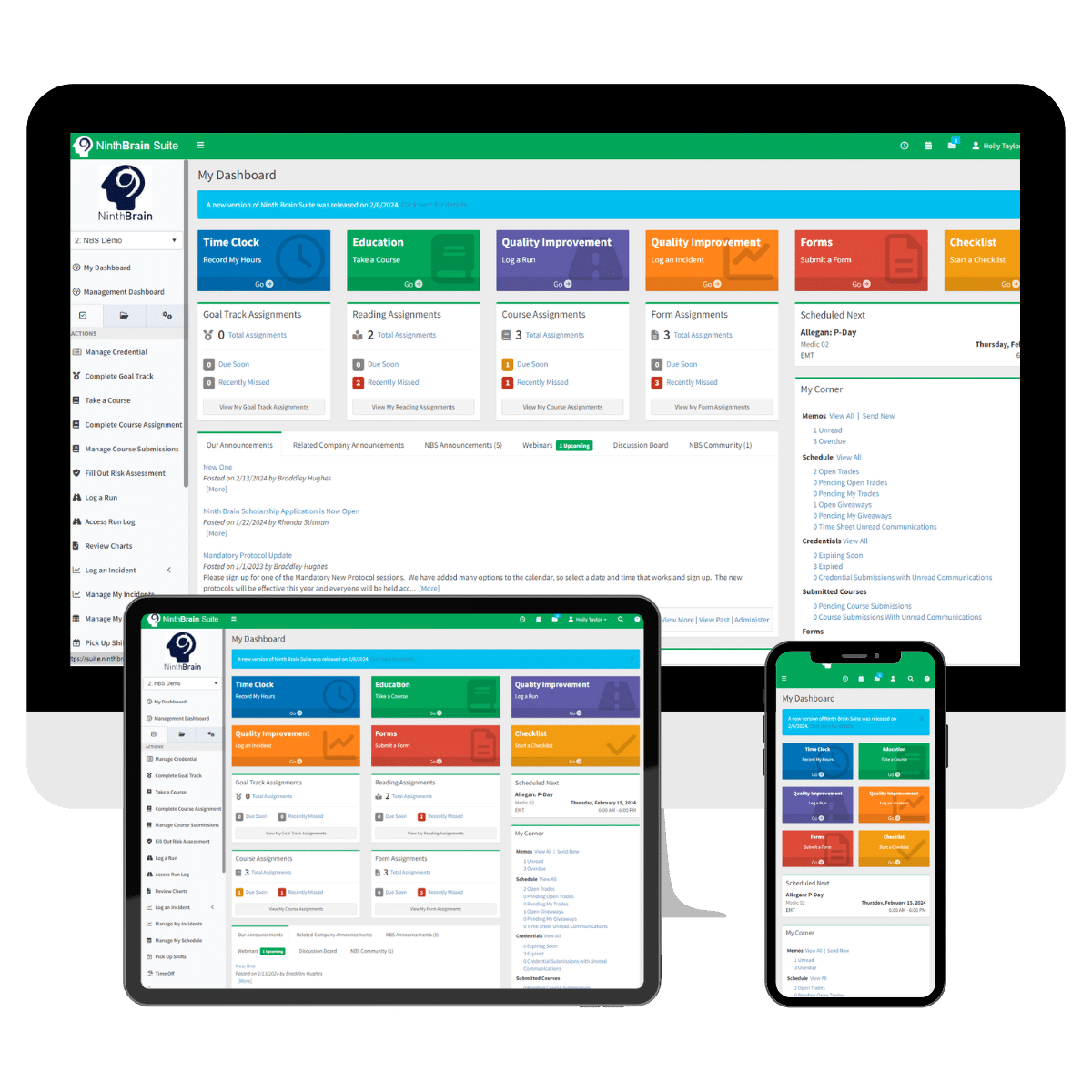
QI Run Log
Ninth Brain provides specialized software built for EMS, air medical, dispatch, and rescue organizations. Our Run Log software simplifies mission documentation, quality improvement, and compliance management in a centralized digital platform.
Teams can log ground transports, air flights, and non-patient responses while linking risk assessments, debrief & utilization forms, chart reviews, and QI incidents. Populate core run data, reduce duplicate entry, and target chart reviews with direct NEMSIS integrations via Run Log Connect.
Key benefits include:
- Create different Run Log types – Flight, Ground, Non-Patient, etc.
- Develop forms from scratch or utilize Ninth Brain templates for Debrief, Utilization Review, and/or Chart Review
- Facilitate peer-to-peer or managerial review of attached Patient Charts
- Capturing GAMUT metrics for benchmark reporting
- Exporting filtered reports for CAAS, CAMTS, and internal audits
Designed specifically for emergency service providers, Ninth Brain helps agencies stay organized, compliant, and focused on quality outcomes. Request a demo today.
Frequently Asked Questions
QI Run Log
Yes. You can create and manage unlimited run types—such as flight, ground, or non-patient—giving you the flexibility to align tracking with your organization’s operations.
Yes. The Run Log supports both peer-to-peer and managerial chart reviews, helping streamline clinical oversight and maintain consistent quality review processes.
Yes. Workflows can be configured to trigger notifications, status changes, or assignments based on specific form responses. This ensures the right individuals are alerted and involved at the appropriate time.
Yes. Risk Assessments and Incidents can be attached directly to Run Log records, giving administrators a complete picture of each event. Related assessment scores can also be included in Run Log reports, helping streamline reviews, investigations, and reporting.
Yes. The Run Log includes robust reporting tools with advanced filtering capabilities, allowing you to extract detailed run data and generate GAMUT summary reports.