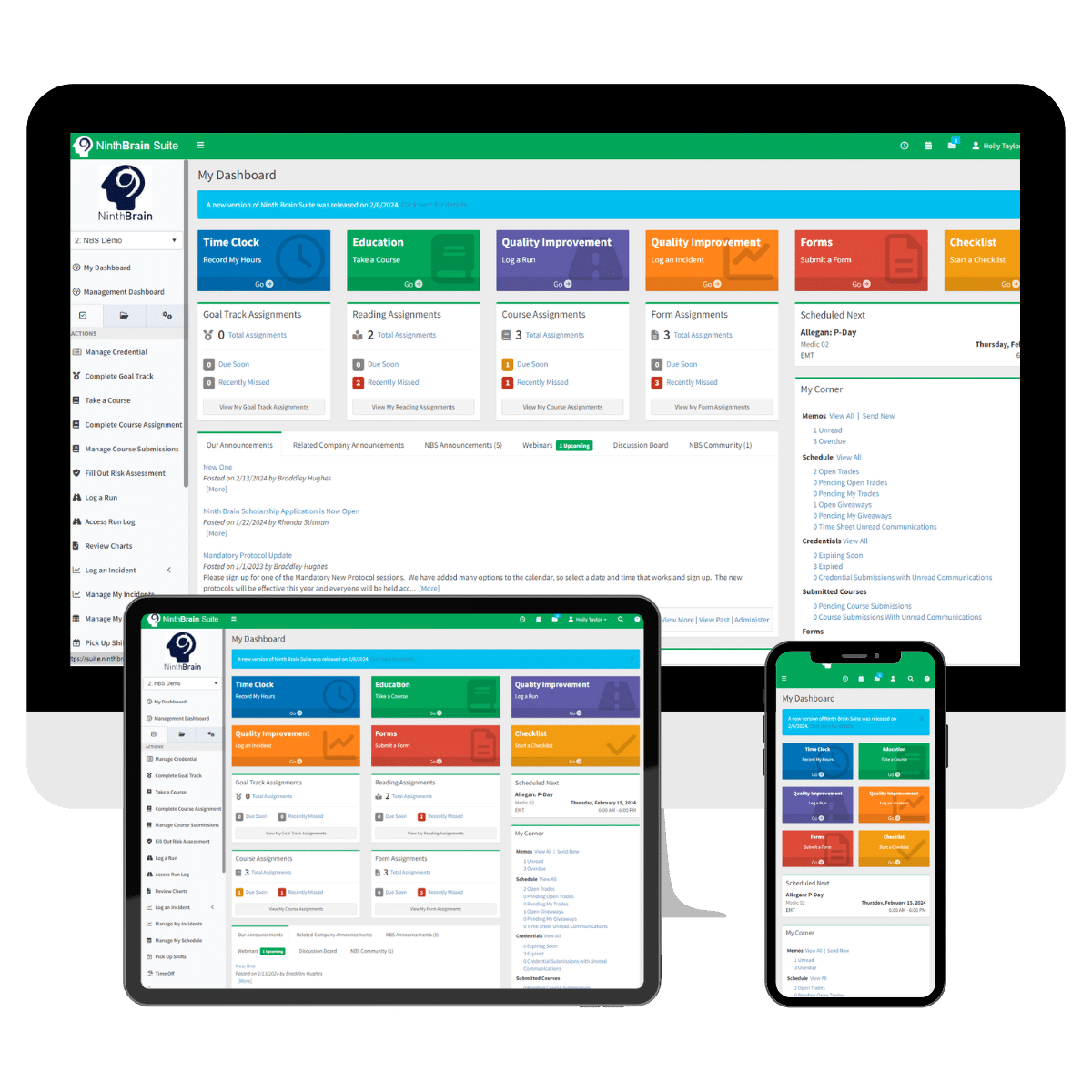
QI Incident Tracker
In the demanding Emergency Medical Services (EMS) sector, staying ahead in terms of quality and safety is non-negotiable. Our EMS Quality Improvement Tracker is designed to help you answer critical questions like “How are we performing?”, “How can we elevate patient care?”, and “Are our response protocols effectively upheld?”. After all, sound business practices advise it; industry accreditations, like CAAS and CAMTS, demand it.
Experience a new level of operational excellence in EMS. Uploading your health, safety, and quality policies, procedures and plans to NBS is a great way to start! Utilizing the Quality Improvement tool, with pre-defined and custom-defined incidents, aids in improving execution of those plans.
Key Features:
- Nineteen predefined incident record templates, such as:
- Medication Error
- Equipment Failure
- Patient Injury
- Complaints
- The ability to create your own company-specific incident records
- Ability to create assignment workflow on a “need-to-know” basis
- Notifications for incidents requiring review
- Communication with those involved for loop closure and notification requirements
- QI Dashboard for quick and easy incident tracking & management
- Real-time reports to help you analyze key performance indicators
Quality Improvement Tracker

Frequently Asked Questions
QI Incident Tracker
Yes. Incidents can be automatically assigned based on predefined criteria. You can route incidents by type or dynamically assign them using the “Related To” field. For example, an equipment failure linked to Station A can be automatically assigned to that station’s supervisor.
Yes. You can attach files up to 250 MB each to an incident, including photos, videos, and other supporting documentation for review and recordkeeping.
Yes. Inactivity alerts can be configured for each incident based on defined time thresholds. For example, you can trigger a notification if a complaint remains unaddressed for three days, helping ensure accountability and timely follow-up.
Yes. The Incident Tracker supports a closed-loop workflow with defined statuses, outcome and result tracking, closing notes, and communication back to the submitter. A complete audit trail is also maintained to support accreditation and reporting requirements.
Yes. Administrators can document actions taken—such as remediation training, warnings, or commendations—and add performance notes directly within an incident. These notes are automatically linked to the individual’s CQI performance record.